
November 4, 2026
Garage Door Company Website Design: Repair to Replacement
Explore garage door company website design ideas, essential features, and practical layouts that help homeowners request repairs or compare new doors.
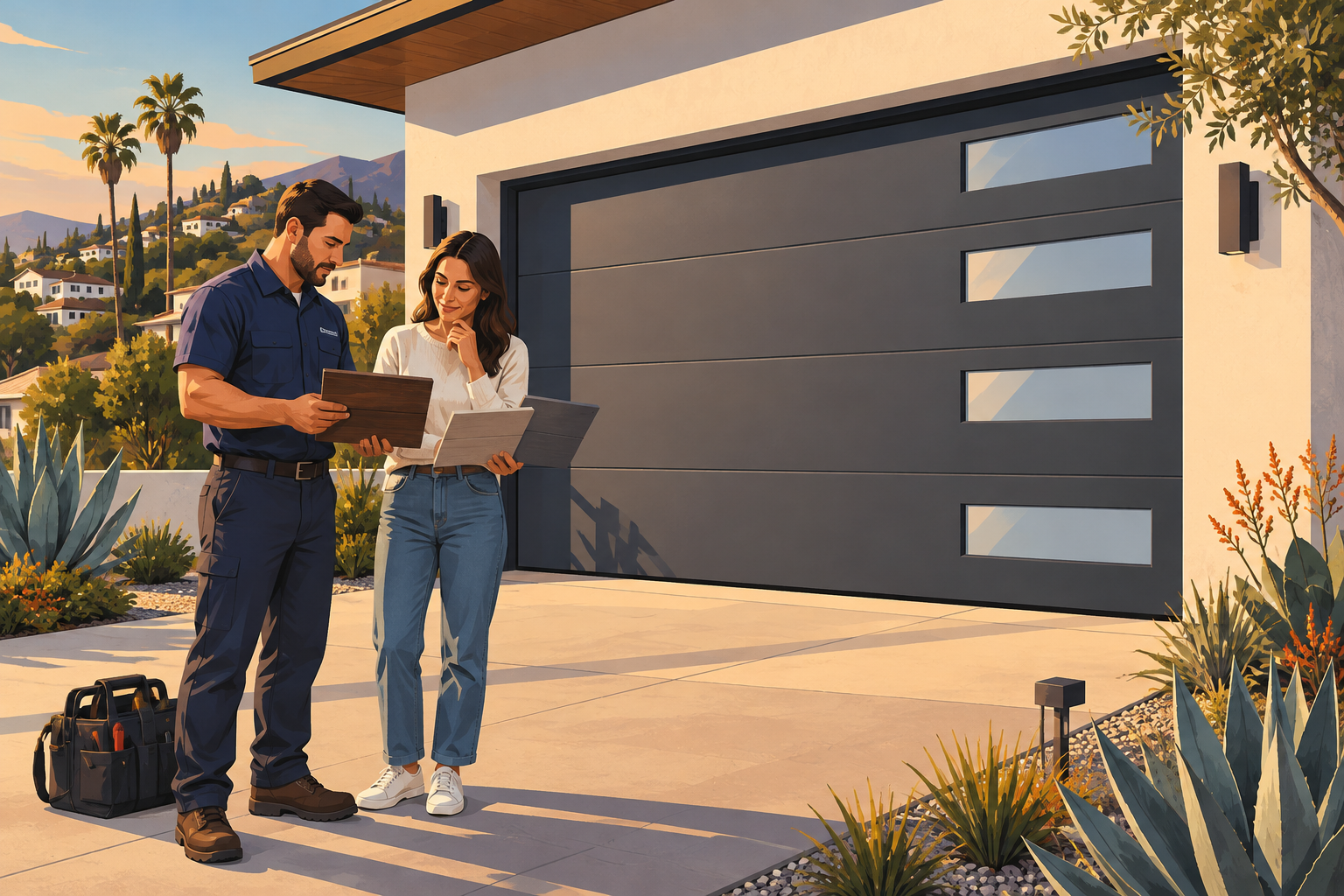
A homeowner with a stuck garage door needs a different website experience than someone comparing modern replacement doors. Effective garage door company website design serves both without making either visitor hunt for the next step. It should make urgent service easy to request while giving installation shoppers enough visual detail to explore their options.
The best designs combine clear service information, authentic project photography, and straightforward contact options. Here’s how to build a website that supports real buying decisions—not just a polished homepage.
1. Give Repair and Replacement Customers Separate Paths
Garage door companies often offer several related services, but visitors arrive with different priorities. Organize the experience around those needs rather than placing every service into one long list.
For repair customers: remove uncertainty
Someone whose door will not open wants to know whether you serve their neighborhood, handle their problem, and are available to help. Put those answers near the top of the homepage.
Useful repair categories include broken springs, damaged cables, off-track doors, opener problems, and doors that will not close. Use plain-language labels alongside technical terms so homeowners can recognize their situation.
If emergency service is available, explain its actual hours and coverage. Do not display “24/7” unless your business can consistently support that promise.
For replacement customers: make exploration easy
Replacement shoppers need styles, materials, practical comparisons, and examples on homes resembling theirs. Give them a distinct path labeled “Explore New Garage Doors” or “Request an Installation Estimate.”
Keep two primary homepage actions: one for repair and one for replacement. Secondary services, such as maintenance or commercial doors, can remain easy to find in navigation without competing for equal attention.
2. Build Garage Door Company Website Design Around Decisions
A strong layout answers questions in the order customers tend to ask them. Avoid leading with a large logo, a generic slogan, or an animation that delays useful information.
A practical homepage sequence is:
- Opening section: State what you do and where you work, with clear repair and installation links.
- Service overview: Present a few recognizable service categories with short explanations.
- Trust details: Show authentic reviews, applicable licensing information, and real team photos.
- Project examples: Feature completed installations with door styles and relevant project details.
- Process explanation: Describe what happens after someone calls or submits a request.
- Final contact section: Repeat the phone number and provide a short inquiry form.
Choose the visual approach based on the business. A repair-focused company benefits from a compact, service-first layout. An installation specialist needs a more visual, gallery-led experience. A company doing both can use a simple split-path homepage with dedicated landing pages behind it.
For mixed residential and commercial operations, create a clearly labeled commercial section. Facility managers may need information about overhead doors, loading access, and maintenance arrangements that would distract a residential visitor.
3. Include Features That Make Contact Easier
Useful features reduce effort and clarify expectations. A complicated booking system is not automatically better than a well-designed phone link and request form.
Mobile contact controls
Use a tap-to-call number and a mobile contact bar that stays accessible without covering important content. Label buttons explicitly: “Call for Repair” communicates more than a phone icon alone.
If online scheduling is available, distinguish between confirmed appointments and appointment requests. Explain when customers should expect confirmation, based on your actual process.
Short, service-aware forms
Ask only for information needed to route the inquiry:
- Name and preferred contact method
- City or ZIP code
- Repair, replacement, or another service
- A brief description of the issue or project
- Optional photo upload
Photos can help the team understand a damaged panel or identify an opener, but uploads should never prevent someone from requesting help. Use appropriate upload restrictions and explain how submitted information will be used.
Specific trust signals
Display reviews with their sources, and use only testimonials you have permission to publish. Explain workmanship and manufacturer warranties separately, with links to applicable terms.
For repair pages, include a brief safety note about staying clear of damaged springs or cables and avoiding operation when a door appears unstable. The goal is helpful guidance, not risky do-it-yourself instructions.
4. Use Modern Design Ideas With an Industry Purpose
Current design approaches work best when they help customers understand the service or visualize a finished installation. Decorative effects should remain secondary.
Architectural project galleries
Large, well-composed photos can show how a garage door changes a home's exterior. Organize galleries by useful attributes such as traditional, carriage-house, contemporary, glass-panel, or wood-look designs.
Caption each project with verified details: door style, material, finish, and general location when appropriate and approved. Avoid exposing house numbers or other identifying information without permission.
A before-and-after slider can be useful, but also provide ordinary images so the comparison remains accessible to keyboard and screen-reader users.
Restrained color and typography
A neutral background with one strong accent color can keep attention on project photos and contact buttons. Clear typography, generous spacing, and readable text matter more than following a particular visual trend.
Do not place critical service information inside photos. It becomes harder to read, translate, and adapt to smaller screens.
Helpful interactive tools
A door-style selector or manufacturer visualization tool can support replacement shoppers. Make clear that digital previews are illustrative and final appearance depends on measurements, product selection, and installation conditions.
If you add chat or AI-assisted intake, limit it to supported tasks such as collecting project details or answering approved service questions. Provide an obvious human-contact option, and never let it invent availability, quotes, or safety advice.
5. Support Local Discovery and Measure Real Inquiries
A beautiful website still needs service-specific content and dependable performance. Build dedicated pages for your core offerings rather than expecting one homepage to explain everything.
A spring repair page should discuss recognizable symptoms, professional assessment, and the service process. An opener installation page should address compatibility and available features. Replacement pages should explain materials, insulation considerations, and what an estimate includes.
For local visibility:
- Keep business contact details consistent across your website and business listings.
- Describe your actual service area clearly.
- Create location pages only when they offer meaningful, location-specific information.
- Link related services and project examples together naturally.
Compress project photography, avoid unnecessary autoplay video, and test forms on real phones. Check keyboard navigation, text contrast, and visible form labels before launch.
Measure calls, completed inquiries, and appointment requests. Where practical, connect those inquiries to qualified leads and booked work. A button click alone does not tell you whether the website brought in a useful opportunity.
6. Frequently Asked Questions
Should a garage door website show pricing?
Show pricing only when you can explain its scope accurately. If costs depend on door size, parts, or site conditions, describe those factors and your estimate process. Avoid an unexplained starting price that creates unrealistic expectations.
Is online booking necessary?
Not always. It helps when scheduling software reflects actual availability and service areas. Otherwise, a clear appointment-request form paired with phone access may better match how your team dispatches technicians.
Which photos should we prioritize?
Start with real installations, your team, and service vehicles. Include wide exterior views and useful detail shots. Authentic photography helps customers evaluate your work more effectively than unrelated stock images of homes or tools.
Strong garage door company website design makes urgent service accessible and replacement decisions easier. If you’re ready to improve those customer journeys, book a free strategy call with four:19 Media, a creative agency in Aliso Viejo serving Orange County businesses. We offer initial custom website demos in 72 hours, plus web design, digital marketing, branding, AI automation, and lead generation. Call (949) 449-2941 or email tony@four19media.com to get started.