
October 25, 2026
Pest Control Website Design That Turns Concern Into Calls
Explore pest control website design ideas, essential features, and practical ways to build trust, explain treatments, and turn local visitors into leads.
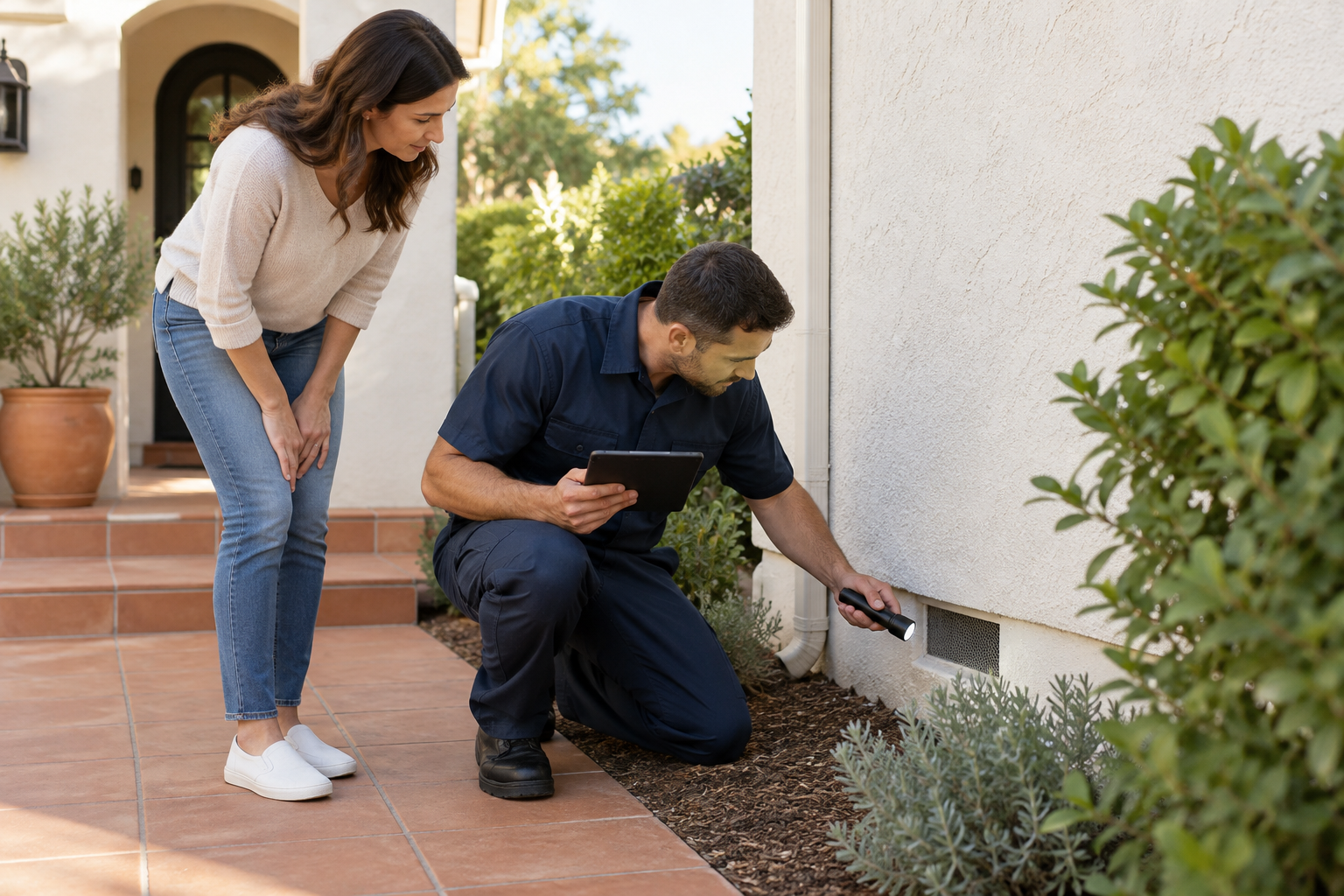
A homeowner who spots termites or hears scratching in the attic usually wants answers quickly: Do you handle this problem? Do you serve my neighborhood? What happens when I call? Effective pest control website design answers those questions without turning the experience into a scare campaign. The best sites pair calm, credible visuals with clear service information and an easy next step—whether someone needs an inspection, ongoing prevention, or help identifying a pest.
What effective pest control website design looks like
There is no single best layout for every exterminator. The right design reflects your service model and the customers you want to attract. Three approaches are especially useful.
The neighborhood service specialist
For a residential pest control business, lead with a real technician, a recognizable home exterior, and a straightforward headline describing your service and coverage area. Follow with common pest categories, customer reviews, and a short explanation of your process.
This approach makes the business feel approachable. Avoid opening with oversized cockroach photography; visitors already have enough reason to feel uncomfortable.
The inspection-focused expert
Companies emphasizing termites, rodents, or exclusion work benefit from a more educational design. Show inspection photos, explain signs of activity, and distinguish inspection, treatment, repairs, and prevention where applicable.
The primary action should match the service: “Request a Termite Inspection” is more useful than a vague “Learn More.” Explain whether inspection fees apply rather than letting visitors assume the visit is free.
The commercial pest management partner
Commercial buyers often need documentation and a dependable process more than an immediate appointment. Organize pages around the industries you actually serve, such as restaurants, multifamily properties, or warehouses.
Explain reporting, scheduling coordination, and account communication. Keep residential and commercial pathways visibly separate so neither audience has to sort through irrelevant information.
Put essential answers ahead of decorative elements
Your first screen should identify the business, its service area, its main offering, and the next step. A rotating slideshow is rarely necessary to accomplish that.
A useful homepage sequence is:
- Clear introduction: What you treat and where you work.
- Primary action: Call, request service, or schedule an inspection.
- Service shortcuts: Links to your most important pest-specific pages.
- Trust signals: Authentic reviews, team photos, and applicable credentials.
- Process overview: What happens before, during, and after a visit.
- Coverage information: Actual cities or neighborhoods served.
Make credibility verifiable
Display license information and insurance statements accurately, with links to official verification resources where available. Use testimonials with permission, and identify their source when appropriate. Never add badges that imply certifications or affiliations you do not hold.
Show the people who will visit customers’ properties. Original photos of technicians, vehicles, and inspection equipment can communicate more than generic shields labeled “trusted.”
Address safety questions carefully
Customers may ask about children, pets, preparation, and reentry. Explain that requirements depend on the pest, treatment method, product labeling, and property conditions.
Avoid blanket claims such as “completely harmless” or “safe for every pet.” Instead, describe how your team provides treatment-specific instructions and answers questions before service.
Build service pages around real pest problems
A single page listing ants, spiders, rodents, and termites gives visitors little help deciding what to do. Create dedicated pages for services that are important to your business and genuinely different from one another.
Each page should explain:
- Common signs that may justify an inspection.
- What your assessment includes.
- Available treatment or exclusion approaches, without promising a diagnosis online.
- Preparation customers may need to complete.
- Follow-up options and any applicable service-plan terms.
- The appropriate way to request help.
For example, a rodent page should distinguish removing current activity from sealing entry points. A termite page should clarify whether you provide inspections, treatment, or both. If structural repairs are outside your scope, say so.
Connect services to your actual coverage area
Publish an accessible service-area page rather than relying on a map alone. List the communities you serve and explain any meaningful coverage limitations.
Location pages should offer distinct, useful information—not identical paragraphs with city names swapped. Include relevant scheduling details, services available in that area, and authentic local project photos when you have permission to share them.
Keep your business name, address details, and phone number consistent with your public business listings. For a service-area business, avoid presenting a private residence as a customer-facing office.
Make mobile inquiries easy to complete
A visitor dealing with an active pest problem may be browsing one-handed on a phone. Navigation, forms, and contact buttons should work comfortably in that situation.
Use a prominent tap-to-call button and a separate service-request option. A sticky mobile contact bar can help, provided it does not cover page content or accessibility controls. State business hours and describe after-hours handling honestly; do not imply round-the-clock dispatch if calls go to voicemail.
Ask only what you need to route the request
Start with a compact form: name, preferred contact method, ZIP code, pest concern, and a brief description. Request a full address when it becomes necessary for scheduling.
An optional photo upload can help the team prepare, but it should not be required. Limit accepted file types and sizes, and explain that a photo alone may not establish identification or treatment needs.
After submission, show a clear confirmation and the next step. Distinguish a service request from a confirmed appointment. If customers can book online, make sure availability reflects your actual scheduling system.
Use visible field labels, readable type, strong color contrast, and helpful error messages. Compress images and test the site on an ordinary mobile connection—not just office Wi-Fi.
Use modern design ideas with a practical purpose
Fresh design should make pest control easier to understand, not harder to navigate. Useful directions include warm neutral backgrounds, restrained accent colors, generous spacing, and documentary-style photography of real inspections.
Consider these additions when they support your workflow:
- Visual pest guides: Simple photos and descriptions that help visitors choose a service without claiming a definitive diagnosis.
- Process timelines: Three or four steps showing inspection, recommendations, service, and follow-up.
- Plan comparison cards: Plain-language summaries of coverage, exclusions, visit frequency, and cancellation terms.
- Short captioned videos: Technician introductions or explanations of what an inspection involves.
- Guided inquiry tools: A few questions that route residential, commercial, and pest-specific requests appropriately.
If you use an AI chat assistant, limit it to verified business information and intake. It should not invent treatment recommendations, quote unsupported prices, or promise appointment availability. Offer an obvious handoff to a person.
Measure completed inquiries and qualified calls rather than celebrating traffic alone. Review which services generate suitable leads, where forms are abandoned, and whether mobile visitors can contact you easily. Use appropriate privacy disclosures for analytics and any call-recording tools.
Frequently asked questions
Should a pest control website display prices?
Publish prices when the scope is sufficiently clear. Explain what is included and what could change the quote. For inspection-dependent work, describe the pricing process and any inspection fee instead of presenting a misleading starting price.
Is online booking better than a contact form?
Online booking works well when service duration, coverage, and staffing are predictable. A request form may be better for complex inspections. You can offer both, clearly labeling confirmed bookings versus requests awaiting review.
How often should service content be updated?
Review pages whenever coverage, treatments, credentials, hours, or service-plan terms change. Periodically test forms, booking links, and phone buttons so accurate information still leads to a working contact path.
Strong pest control website design helps customers understand their options and reach the right person without unnecessary friction. If your site needs that clarity, book a free strategy call with four:19 Media in Aliso Viejo, Orange County. We offer web design, digital marketing, AI automation, and initial custom website demos in 72 hours. Call (949) 449-2941 or email tony@four19media.com to discuss your next step.