
October 30, 2026
Pool Service Website Design: Clean Layouts, Better Leads
Explore pool service website design ideas, essential features, and practical booking tools that help homeowners find your business and request service.
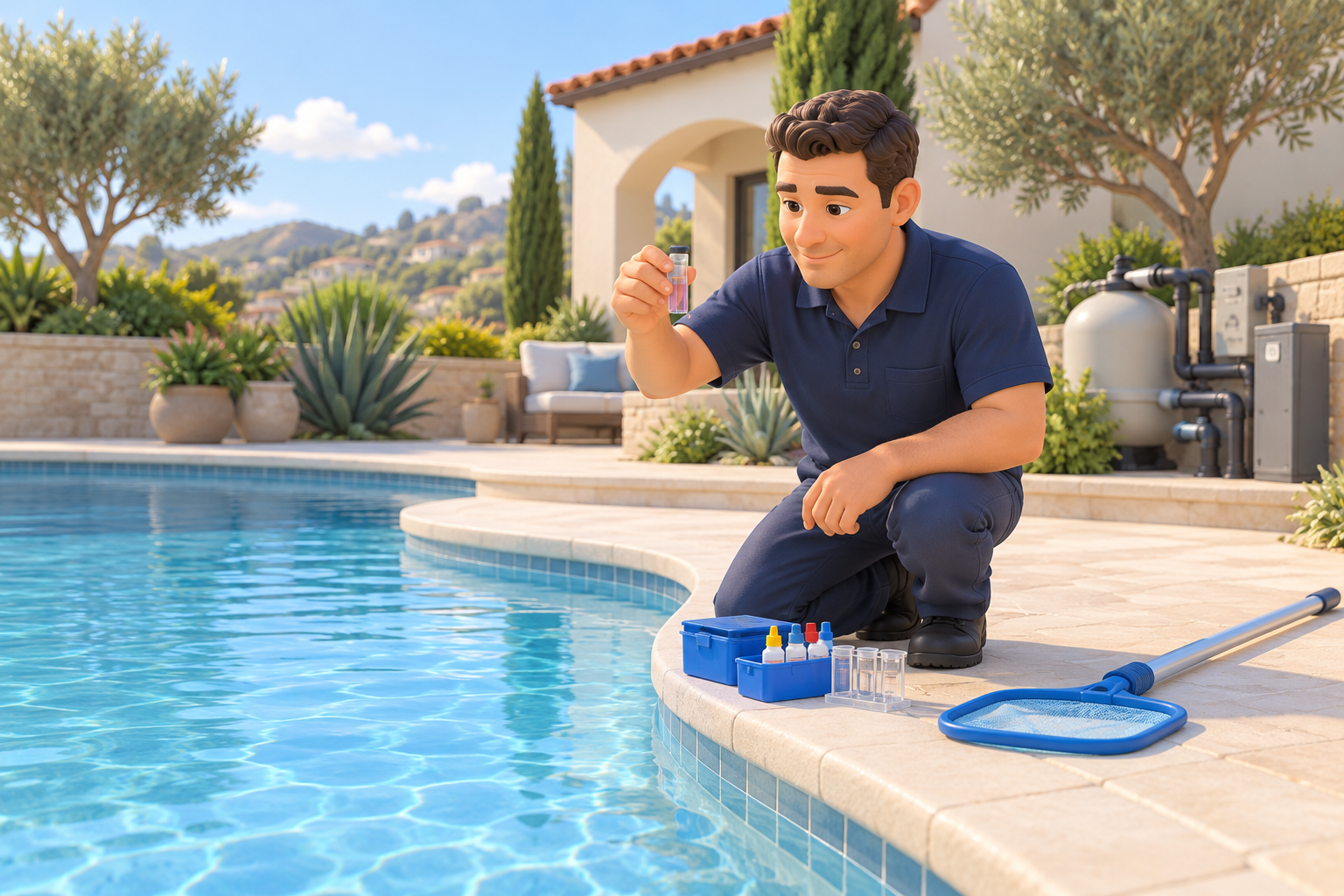
A homeowner looking for pool care usually wants answers to three questions: Do you service my neighborhood? Can you handle my pool’s problem? How do I get started? Effective pool service website design answers those questions before asking visitors to fill out a form. Beautiful pool photography helps, but clear service information and an easy next step do more of the practical work.
For pool companies, the strongest websites reflect how the business operates: recurring maintenance routes, equipment troubleshooting, cleanup visits, and ongoing customer communication. Here’s how to bring those details into a site that feels professional and makes inquiries easier to handle.
1. Choose a Pool Service Website Design That Fits Your Business
The best design isn’t necessarily the most elaborate. It’s the one that makes your core service immediately understandable. Three approaches work especially well for this industry.
The neighborhood maintenance specialist
For a company focused on recurring residential service, use a welcoming layout with real technician photos, clearly listed service areas, and a prominent “Request Weekly Service” button. Lead with reliability and explain what a typical visit includes.
A useful homepage sequence is:
- A clear service statement and location
- Recurring maintenance options
- What happens during a visit
- Genuine customer reviews
- Service-area information
- A short quote request form
The repair and equipment expert
If repairs are central to the business, organize the site around recognizable problems: pumps that won’t start, cloudy water, heater issues, or leaks that need assessment. Pair those categories with equipment photos and straightforward explanations.
Avoid presenting a symptom as a confirmed diagnosis. A noisy pump, for example, can have several causes; the website should guide visitors toward an inspection rather than promise a particular fix.
The premium property-care provider
For higher-end residential properties or commercial accounts, a restrained editorial layout can work well. Use spacious photography, readable typography, and details about communication, documentation, and service procedures. Separate commercial inquiries from residential requests so each audience sees relevant information.
2. Make Services and Coverage Impossible to Miss
A vague “We do it all” message leaves homeowners guessing. Give recurring cleaning, green-pool cleanup, equipment repair, and other major offerings their own explanations—and separate pages when there is enough useful information to justify them.
Explain the scope, not just the service name
A maintenance page should clarify which tasks are included and which require separate approval. Depending on your actual offering, that might include skimming, brushing, vacuuming, water testing, basket emptying, and equipment checks.
Address questions that affect the customer’s decision:
- Are chemicals included or billed separately?
- Is filter cleaning part of regular service?
- Does the homeowner need to be present?
- How should gates, pets, and access instructions be handled?
- How are additional repairs authorized?
If pricing depends on pool size, condition, equipment, or visit frequency, explain those factors instead of displaying an unsupported starting price.
Show where your routes actually run
Place a concise coverage summary near the top of the homepage and link to a fuller service-area page. List communities you genuinely serve. For an Orange County operator, naming specific cities or neighborhoods is more useful than claiming to cover all of Southern California.
A map can supplement that list, but shouldn’t replace readable text. If you publish individual city pages, give each meaningful local information rather than changing the city name in otherwise identical copy.
3. Build a Mobile Inquiry Path That Matches Your Schedule
Design for someone standing beside a pool with a phone in hand. They may be dealing with an equipment problem and have little patience for a complicated navigation menu.
Keep the phone number easy to tap, make form labels readable, and use large, well-spaced buttons. A compact sticky mobile action bar can keep “Call” and “Request Service” available without covering important content.
Ask enough to qualify the request
A first-contact form should help your team assess fit without becoming an intake questionnaire. Useful fields include:
- Name and preferred contact method
- Service ZIP code or city
- Requested service
- A brief description of the issue
- An optional pool or equipment photo
Ask for a full address when needed for scheduling or route planning. Don’t request gate codes in a general public inquiry form; collect sensitive access details through an appropriate process after establishing the customer relationship.
Separate requests from confirmed appointments
Instant scheduling makes sense only when your availability, service duration, and travel constraints are accurately reflected. Otherwise, use “Request a Service Visit” and explain that your team will confirm availability.
The confirmation screen should state what happens next and provide a contact option for additional questions. If you promise a response window, make sure your staff can consistently meet it.
4. Use Fresh Visual Ideas Without Sacrificing Usability
Contemporary pool websites can feel polished without relying on animated waves or full-screen video. Useful design directions include oversized authentic photography, modular service cards, subtle water-inspired accents, and concise visual explanations.
Show the work behind the clear water
A pristine pool establishes the setting, but it doesn’t prove how you care for it. Include original images of technicians testing water, brushing tile, inspecting equipment, or completing service notes.
Other strong visual choices include:
- A simple “What happens each visit” sequence
- A clearly labeled sample service report with private details removed
- Before-and-after cleanup photos shown under comparable conditions
- Equipment photos with plain-language captions
Get permission before showing customer properties or identifiable people. Label sample reports as examples, and avoid implying that every cleanup will produce an identical outcome.
Keep the interface calm and accessible
Deep blue, white, and a warm accent color can suggest water and outdoor living without making every element turquoise. Prioritize strong text contrast, visible keyboard focus, and buttons that remain recognizable without color alone.
Compress large photos and load below-the-fold images efficiently. Avoid autoplay sound and excessive motion. A fast, readable page serves customers better than a dramatic introduction they have to wait through.
5. Connect Trust, Local Search, and Follow-Up
Trust comes from specific, verifiable information. Show your business name, contact details, real team members, and relevant credentials accurately. Describe licensing, insurance, or certifications only when they apply and can be substantiated.
Use genuine reviews with accurate attribution. Don’t turn a review about routine cleaning into implied proof of specialized repair expertise.
Give each page a clear search purpose
Create descriptive page titles, connect related services with internal links, and keep business information consistent with your Google Business Profile. Write pages around actual customer needs rather than repeating location phrases.
Helpful topics might explain what to expect during a first visit, how cleanup assessments work, or when an equipment inspection is appropriate. Keep safety-sensitive advice cautious and direct electrical or chemical concerns to qualified professionals.
Measure useful outcomes
Track completed inquiry forms, booking requests, and phone-link clicks. Remember that a phone click isn’t necessarily a completed call or qualified lead.
Review whether inquiries come from your service area and match the work you want. With appropriate privacy controls, automated acknowledgments can confirm receipt and route requests to the right person. Automation should support your team, not promise an unverified diagnosis or appointment.
6. Frequently Asked Questions
Should a pool service website display prices?
Publish prices when the scope and conditions are clear. If quotes vary, explain the factors involved and what information you need to estimate service accurately.
Is online booking necessary?
Not always. A simple request form may work better when route availability or an initial assessment determines scheduling. Offer confirmed booking only when your operational systems support it.
Which photos are most useful?
Use real images of your technicians, maintained pools, equipment work, and service processes. These show both the outcome customers want and the work your team performs.
Strong pool service website design makes your coverage, capabilities, and next steps clear. To plan a site around your routes and growth goals, book a free strategy call with four:19 Media in Aliso Viejo. The team offers initial custom website demos in 72 hours, plus web design, digital marketing, branding, AI automation, and lead generation. Call (949) 449-2941 or email tony@four19media.com to get started.