
October 22, 2026
Restaurant Website Design Ideas That Make Dining Easy
Explore restaurant website design ideas, essential features, and practical tips that help guests browse menus, reserve tables, and order food with ease.
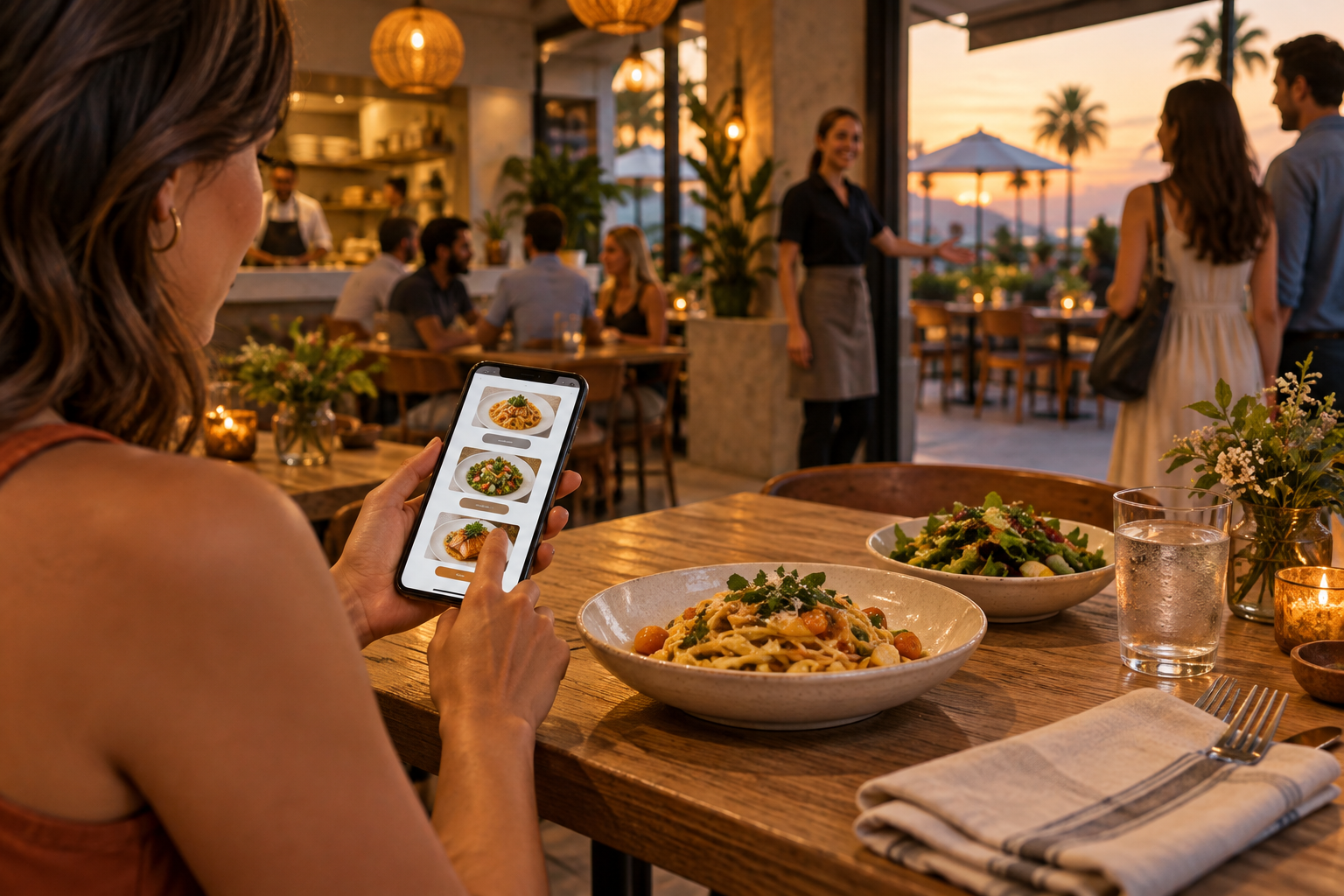
A restaurant website should make choosing dinner easier, not turn it into a research project. The most useful restaurant website design ideas help guests answer a few immediate questions: What’s on the menu? What does the place feel like? Is it open? Can I reserve a table or order now?
For independent restaurants and growing hospitality groups, good design connects atmosphere with action. Your site should reflect the dining experience while keeping practical details easy to find. Here’s how to build that balance without burying the menu beneath animations or making guests hunt for your address.
1. Match Restaurant Website Design Ideas to Your Concept
The best restaurant website designs are not interchangeable. A neighborhood taco shop and a special-occasion steakhouse serve different needs, so their layouts should prioritize different decisions.
Choose a design direction that fits the visit
- Quick-service restaurants: Put the menu, pickup ordering, hours, and location near the top. Use concise copy and clear food photography.
- Full-service neighborhood spots: Balance menu access with reservations, atmosphere, and useful details such as patio seating or parking.
- Fine-dining restaurants: Use restrained typography, generous spacing, and thoughtful photography. Make tasting menus, reservation policies, and dress expectations easy to locate.
- Cafés and bakeries: Highlight daily offerings, morning hours, preorder options, and whether guests can comfortably sit and stay.
- Multi-location restaurants: Help visitors select a location before showing location-specific menus, hours, and ordering links.
An effective homepage sequence is simple: a clear statement of your concept, a relevant food or dining-room image, primary action buttons, menu highlights, and location details.
Borrow trends selectively
Editorial layouts, warm colors, textured backgrounds, and candid hospitality photography can give a restaurant site personality. Oversized type can make a short introduction memorable, provided it does not push essential information off the screen.
Subtle motion can add polish, but avoid scroll effects that interfere with navigation. A static photograph often communicates more effectively than an autoplay video that loads slowly or distracts from the reservation button.
2. Make the Menu Your Most Useful Page
A beautiful homepage cannot compensate for a frustrating menu. Guests may be checking prices, accommodating a dietary need, or deciding whether your restaurant works for a group.
Publish a readable web menu
Use an HTML menu that visitors can read directly on the page. A downloadable PDF can be a secondary option, but it should not be the only way to browse. PDFs often require zooming on phones and can create accessibility problems.
Organize the menu around how people order:
- Clear categories such as starters, mains, sides, and drinks.
- Item names, concise descriptions, and current prices.
- Dietary labels that your kitchen can reliably support.
- Separate lunch, dinner, brunch, or seasonal menus when needed.
- A straightforward note explaining substitutions or availability.
Do not label a dish allergy-safe unless your restaurant can substantiate that claim. Explain how guests should discuss allergies with staff, especially when cross-contact is possible.
Use selected dish photos rather than illustrating every item. A few accurate, appetizing images can communicate portion style and presentation without making the page cumbersome.
Assign someone responsibility for menu updates. Whenever a price or offering changes in-house, the website and connected ordering platforms should be reviewed together.
3. Design Mobile Visits Around the Next Action
Someone browsing from a parked car has different priorities than someone planning an anniversary dinner. Mobile design should support both without requiring precise taps or lengthy scrolling.
Give each page a clear priority
Choose the primary action based on your business model: “Order Pickup,” “Reserve a Table,” or “View Menu.” Keep secondary actions available, but avoid giving five competing buttons equal visual weight.
A compact mobile action bar can work well when it contains only the essentials. Make sure it does not cover menu content, form fields, or accessibility controls.
For ordering, clarify:
- Whether the order is for pickup or delivery.
- Which location will prepare it.
- Where guests will complete checkout.
- Any applicable ordering hours or limitations.
For reservations, explain party-size limits, deposits, cancellation policies, and walk-in availability where relevant. Guests should encounter important conditions before committing, not after submitting their details.
Test every handoff to a third-party provider. A prominent reservation button is not helpful if it opens the wrong location or an unusable mobile screen. If an embedded widget causes problems, a clearly labeled direct link may be the better option.
4. Show the Experience and Remove Arrival Friction
Food brings people in, but uncertainty can keep them away. Your website should help guests picture both the meal and the practical experience of visiting.
Use original photography of actual dishes, the entrance, seating areas, and staff where appropriate. Include a mix of close-up food images and wider views. Guests planning a date, family dinner, or business lunch need to understand the setting, not just the plating.
Place these details on an accessible location or contact page:
- Address with a directions link.
- Regular hours and clearly identified holiday exceptions.
- A tappable phone number.
- Parking, transit, or entrance instructions when useful.
- Accurate information about accessible entrances and seating.
- Relevant policies for pets, large groups, or outdoor dining.
For multiple locations, create a dedicated page for each one with its own details. Keep those details consistent with the restaurant’s corresponding Google Business Profile.
Reviews and press mentions can provide reassurance when they are authentic and attributed appropriately. Avoid anonymous praise presented as a customer quote. Your own clear explanation of the restaurant’s food, service, and setting is more useful than unsupported superlatives.
5. Build for Speed, Accessibility, and Easy Updates
Restaurant sites change frequently. Seasonal menus, sold-out events, and adjusted hours should not require a complicated development process.
Choose a content management setup that lets authorized staff update essential information safely. Use reusable menu sections and location templates so updates stay consistent.
Before launch, check the fundamentals:
- Resize and compress photographs for their display dimensions.
- Load below-the-fold images only when needed.
- Use readable text sizes and sufficient color contrast.
- Add meaningful image descriptions where appropriate.
- Ensure navigation, forms, and dialogs work with a keyboard.
- Label form fields and explain errors clearly.
- Test ordering and reservation tools on actual phones.
Measure actions that connect to business goals: menu views, reservation-link clicks, ordering-link clicks, phone taps, and directions requests. Remember that a click to an external booking provider is not the same as a completed reservation. Track completed transactions only when the integration supports it, and handle visitor data appropriately.
Review recurring customer questions, too. If staff repeatedly explain where to park or how to book a large party, improve that information on the site.
6. Frequently Asked Questions
Should a restaurant website show menu prices?
Generally, yes. Prices help guests assess whether the restaurant fits their plans. Keep them current, and explain genuine variations clearly rather than relying on a broad disclaimer to excuse outdated information.
Is online ordering necessary for every restaurant?
No. It depends on the service model. A pickup-focused restaurant should prioritize ordering, while a reservation-led dining room may benefit more from an effective booking experience. Build around how guests actually buy from you.
Can social media replace a restaurant website?
Social media is useful for discovery and updates, but a website gives you a dependable home for menus, policies, location details, and booking links. Guests should not need to browse a feed to find tonight’s hours.
The strongest restaurant website design ideas combine a distinctive atmosphere with straightforward menus, dependable information, and easy next steps. If you want help applying them to your restaurant, book a free strategy call with four:19 Media in Aliso Viejo, Orange County. Call (949) 449-2941 or email tony@four19media.com to discuss a website built around your guests and operations.